



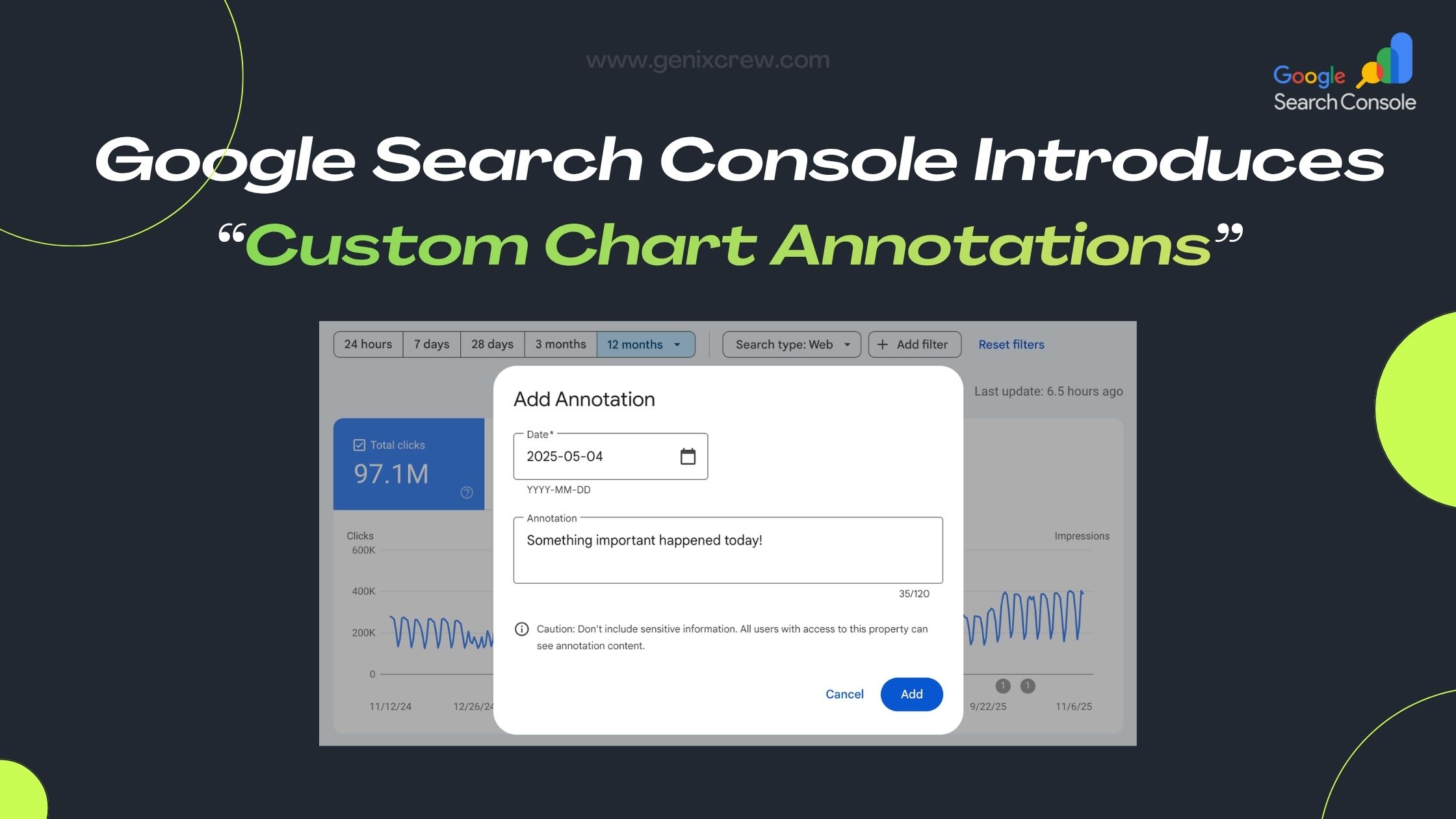
Google has rolled out a new feature in Search Console’s Performance reports: Custom Chart Annotations. This update empowers SEOs, marketers, and website owners to add their own notes directly on performance charts — making it much easier to link performance trends to real-world events.
What Are Custom Annotations?
-
These are user-generated notes (up to 120 characters) that you can place on specific dates in your Search Console charts.
-
Common use cases include: site migrations, SEO changes, content updates, infrastructure upgrades, or even external business events.
-
Annotations become visual markers on the chart, helping you remember why traffic spiked or dropped.
Why This Update Is Useful
-
Contextualizes data: Instead of guessing why metrics moved, you can record what you did.
-
Creates a shared history: Everyone with access to the Search Console property can see these notes, which builds a shared timeline for your team.
-
Improves analysis & reporting: You can correlate actions (like a major plugin install) with changes in performance, making it easier to explain results to stakeholders.
How to Use It
-
Go to the Performance report in Google Search Console.
-
Right-click (or control-click) on the chart on the date you want to annotate.
-
Select “Add annotation”, write your note (max 120 characters), and save.
-
The annotation appears on your chart as a small marker — click it to view your note.
Things to Keep in Mind (Limitations)
-
You can add up to 200 custom annotations per Search Console property.
-
Annotations older than 500 days are automatically deleted.
-
Since everyone with property access can see the annotations, avoid adding sensitive or personal info.
-
Once added, you cannot edit an annotation — you can only delete it.
Best Practices: How You (or GenixCrew) Can Leverage This
-
Maintain a standard annotation format (for example:
[TECH] Site migration,[CONTENT] Updated blog strategy) — it keeps your notes organized and consistent. -
Log major events, not every small change — this helps keep the chart clean and meaningful.
-
Use annotations to build a timeline of SEO changes, which can help explain long-term trends to clients.
-
Combine annotations with your SEO reporting: when you report to clients or internal stakeholders, use the annotated chart to show exactly how your work impacted performance.
Final Thoughts
Custom Chart Annotations in Google Search Console are a powerful and practical upgrade. They bring context to your data, improve how you track SEO changes, and strengthen collaboration across teams. Whether you’re managing a large site or handling SEO for a few clients, this feature helps you tie your work directly to performance — no more guessing.
At GenixCrew, we believe in using data-driven insights to guide strategy — and these annotations are one more tool to do just that. If you want help implementing this or building an SEO timeline that aligns with your business goals, we’re here to help.